Minimize everything.
Instantly.
MinWin is a tiny macOS menu bar app that clears your desktop with a single click. No distractions. Just focus.
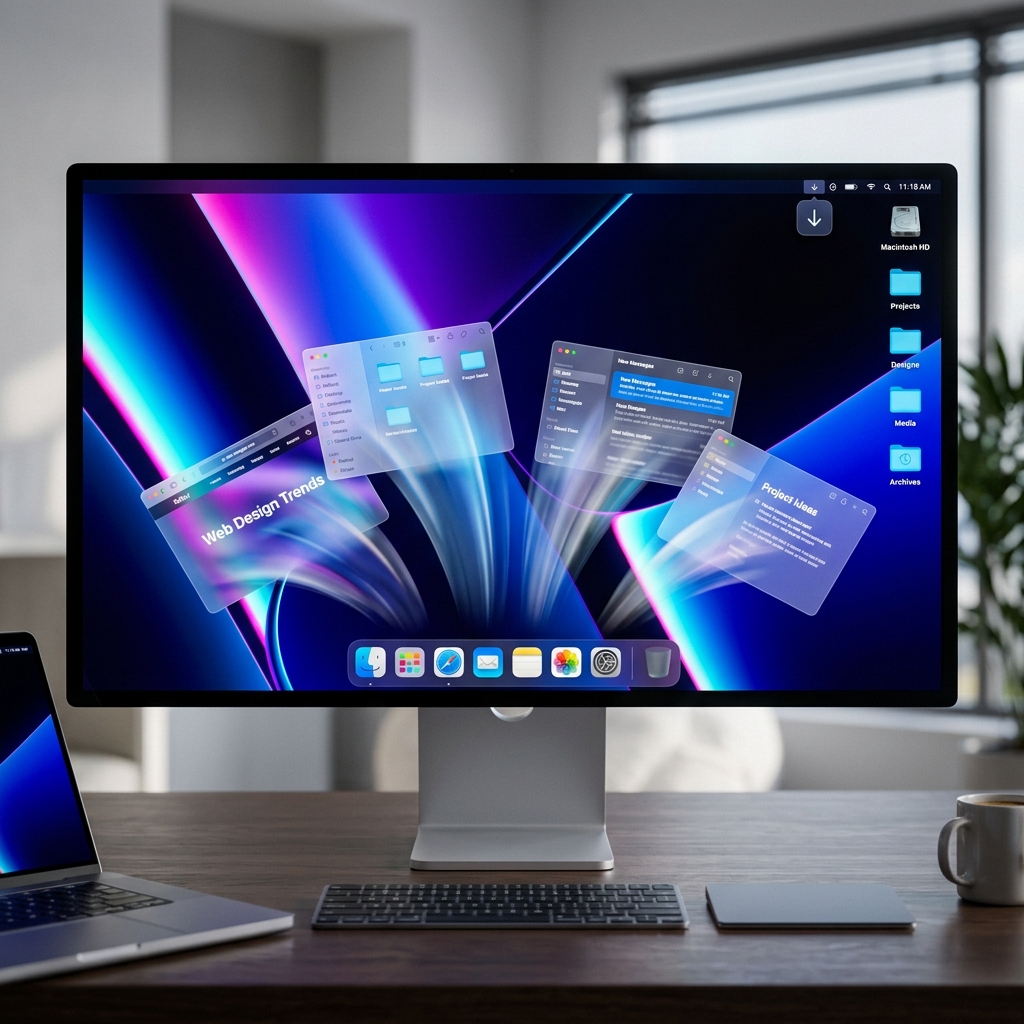
MinWin is a tiny macOS menu bar app that clears your desktop with a single click. No distractions. Just focus.
MinWin does exactly one thing: it minimizes all your open windows at once. No extra features. No configuration. Just a faster way to reset your workspace.
Minimize all windows instantly from the menu bar across all running apps.
Runs entirely on your device. No analytics, no tracking, no network requests.
Native macOS performance with minimal resource usage and zero configuration.
MinWin is built natively with SwiftUI and runs quietly in the background with minimal resource usage. No clutter, no bloat.
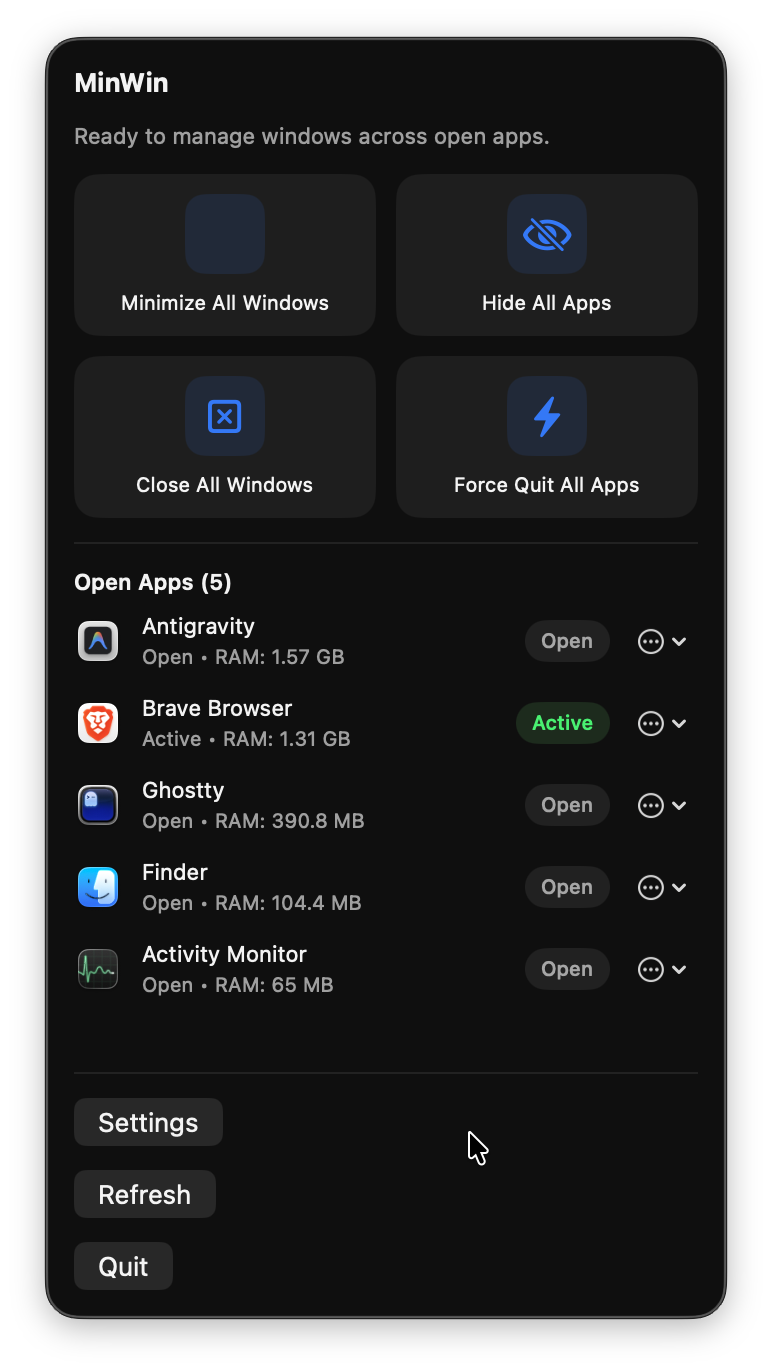
Simple installation. No configuration required.
Download MinWin.zipGet the latest build directly from this page.
Unzip MinWin.zip and drag MinWin.app to your Applications folder.
On first launch, grant Accessibility permissions when prompted.